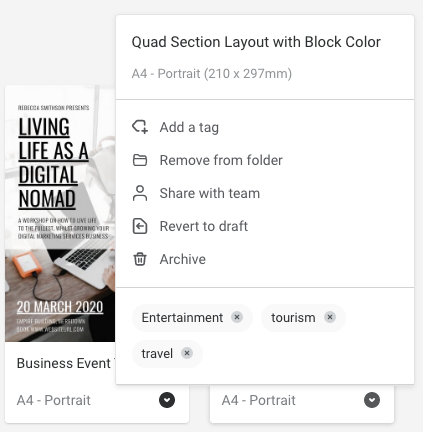

To prevent a Team template from being further circulated, you can do either of the following if you have the ‘Designer’ role applied within your team:
- Locate the design in Templates > Team, and then ‘Revert to Draft’. If you were the Designer of this file, it will return to your Workspace > My Designs. From here, you can update the file and then return it to the Team by creating into a Template again. Or,
- You can click on the Archive button.